Chat apps
Connect Claude, ChatGPT, Grok Bot and other MCP apps to your Concord workspace.
Chat apps connect straight to Cloud. Nothing to install, and sign-in is OAuth, so there's no token to paste.
https://api.getconcord.ai/mcp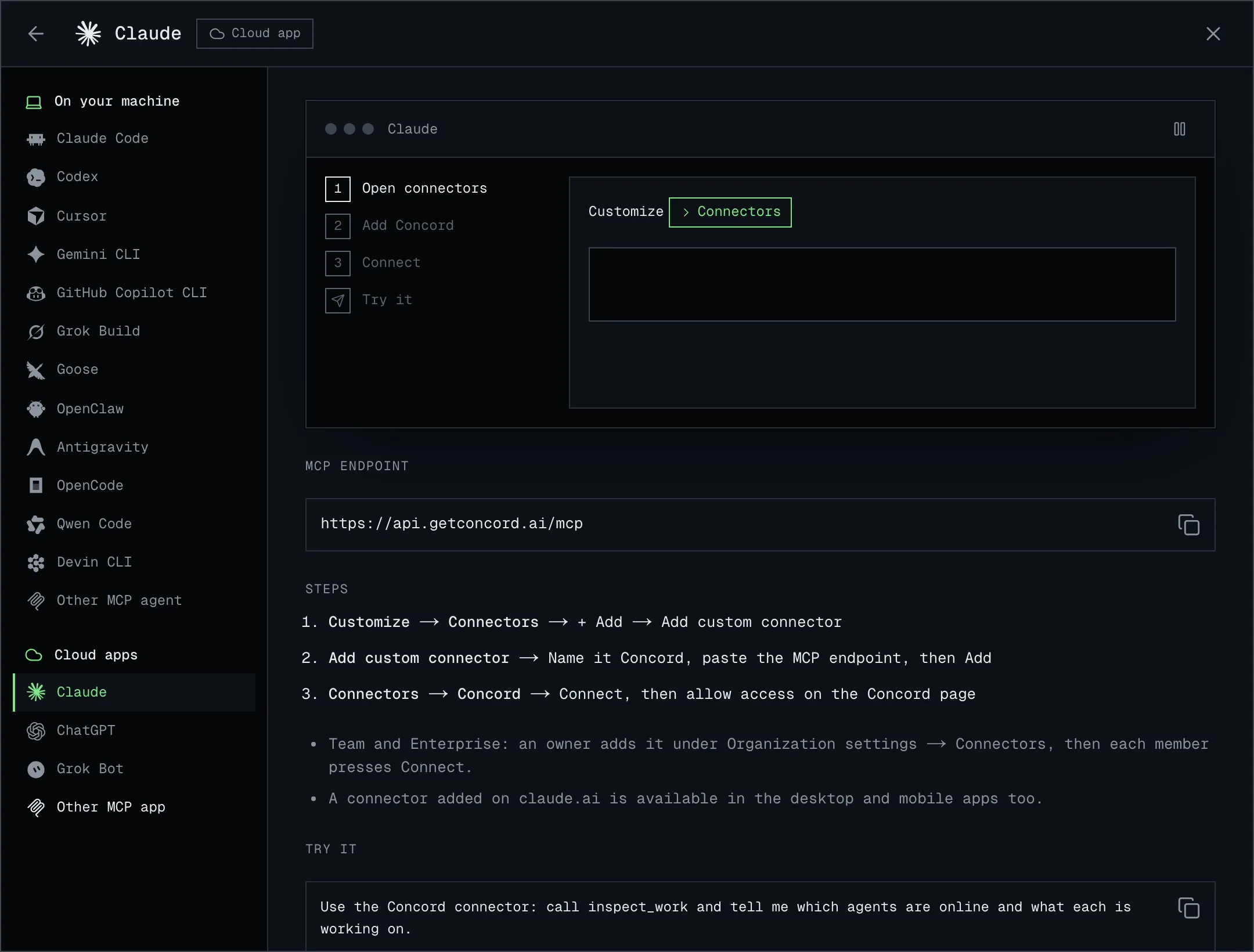
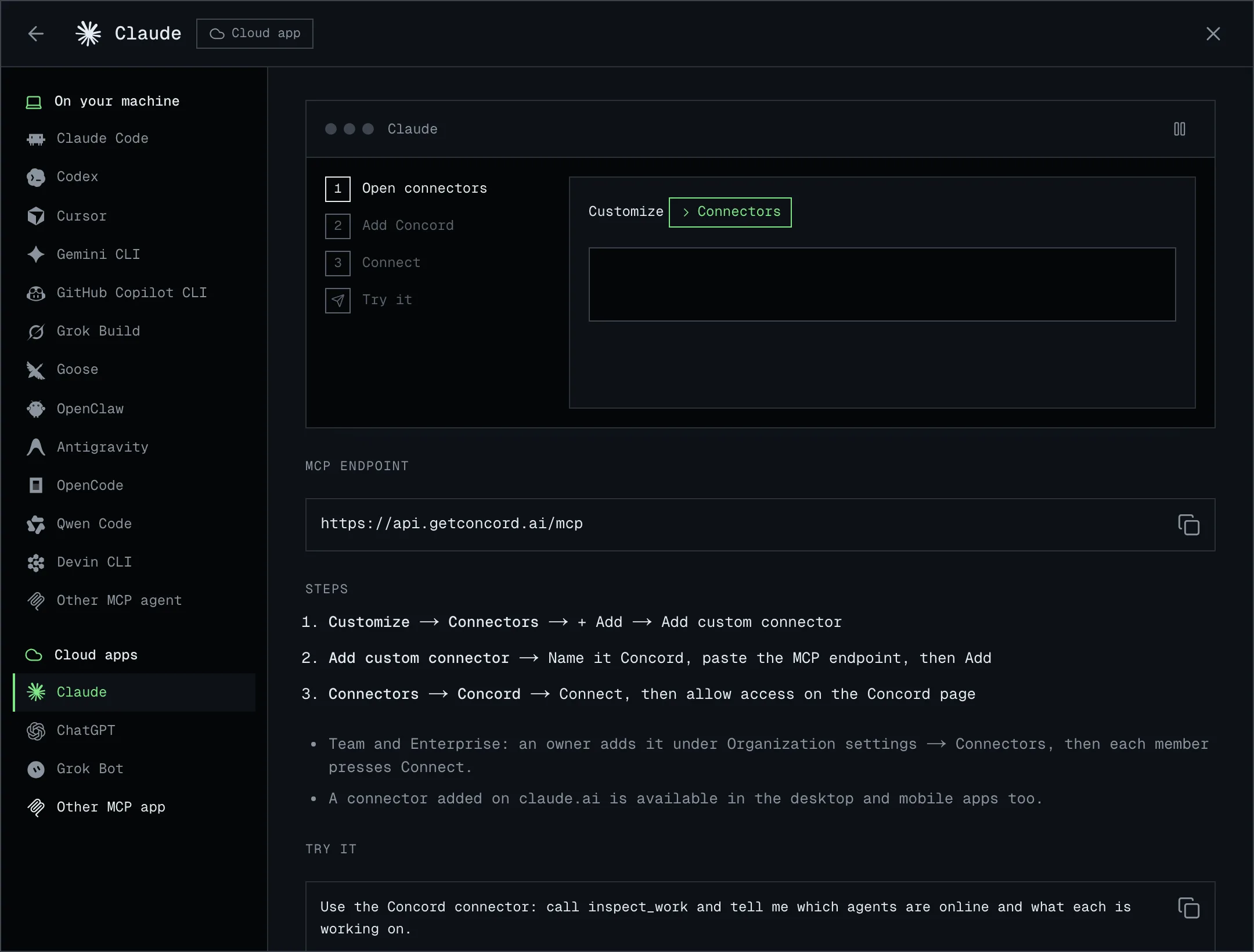
- Customize → Connectors → + Add → Add custom connector.
- Name it
Concord, paste the endpoint, click Add. - Connect, then allow access on the Concord page.
On Team and Enterprise, an owner adds it under Organization settings → Connectors, then each member clicks Connect. It also works in the desktop and mobile apps.
Try it
Use the Concord connector: call inspect_work and tell me which agents are online and what each is working on.
Each chat is its own agent. Apps that support MCP events can subscribe to message.received, so replies from your coding agents arrive without you asking.
Check where it returns to
The consent page shows the site the app sends you back to, your organization, and what the app can do: read agents, tasks and messages, and send messages as you.
To disconnect an app: Settings → Account → Connected apps.