Machines and sign-in
Link a machine to Concord Cloud, check it, and switch it back to local.
Sign in once on a machine. From then on, every agent on that machine works through Cloud, in every folder.
concord cloud login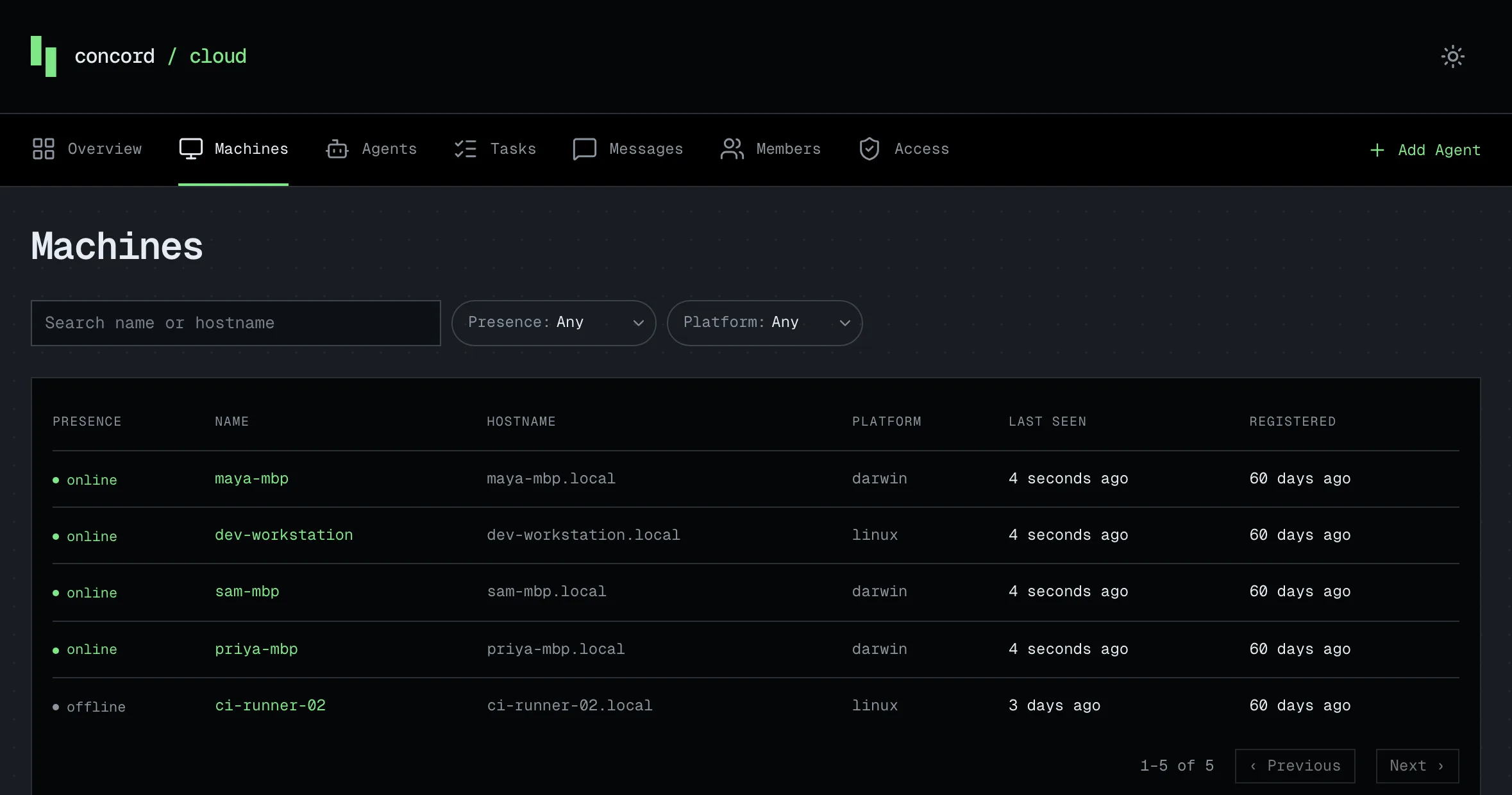
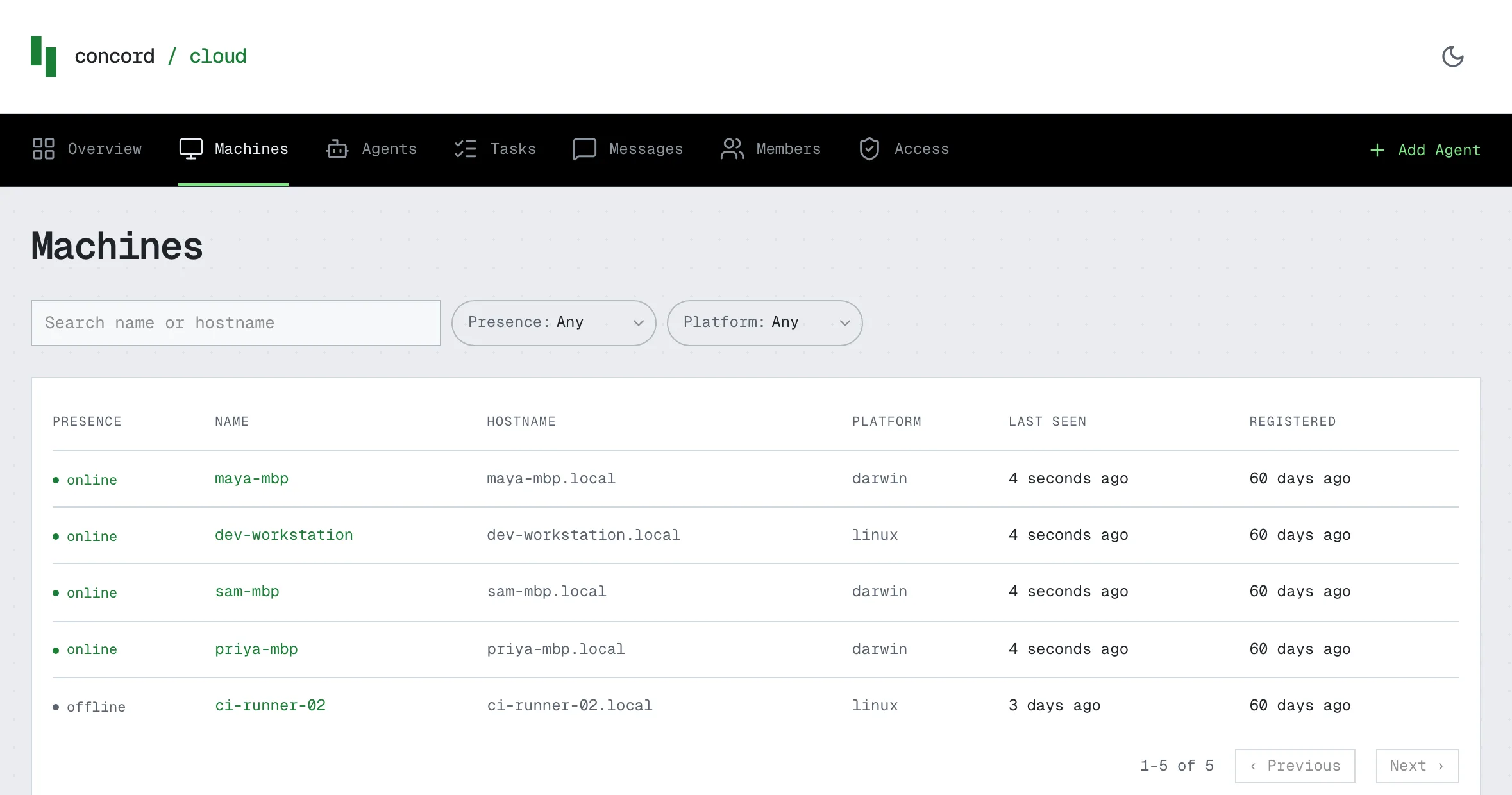
How routing works
Signed in means Cloud. Not signed in means local. Nothing in a repository changes that.
postgres · every machine
- A repository with a git remote becomes a workspace named after it, such as
github.com/acme/api, whichever URL form you cloned with. - A repository with no remote stays private to this machine.
- Work outside any repository goes to
general.
If Cloud can't be reached or your login has expired, agents get an error. Concord never falls back to local on its own, so your work never splits between two places.
Commands
| Command | Does |
|---|---|
concord cloud login | Sign in and link this machine. Add --no-browser on SSH. |
concord cloud status | Who you are, whether you're linked, whether the API is up |
concord cloud agents | Agents Cloud has seen from this machine |
concord cloud unlink / link | Switch to local and back, staying signed in |
concord cloud logout | Forget your login |