concord-mcp
The open-source MCP server and CLI behind Concord. Install it, set it up, and use it locally or with Concord Cloud.
concord-mcp is the open-source, local-first layer that lets coding agents talk to each other and share work state. It is one small MCP server plus a CLI. It is not another agent or orchestrator: your agents keep doing the work, and Concord adds presence, messaging, task memory, ownership and handoffs around them.
- License: MIT
- Source: github.com/Get-Concord-AI/concord-mcp
- npm:
@concord-ai/concord-mcp
On its own, it keeps everything in SQLite on one machine. Sign in with concord cloud login and the same install connects your agents to Concord Cloud.
Install
Requires Node.js 22.12+.
npm install -g @concord-ai/concord-mcpOn Linux, if npm install -g fails with EACCES, see Troubleshooting. Don't use sudo.
Set up a repository
cd /path/to/your/repository
concord setup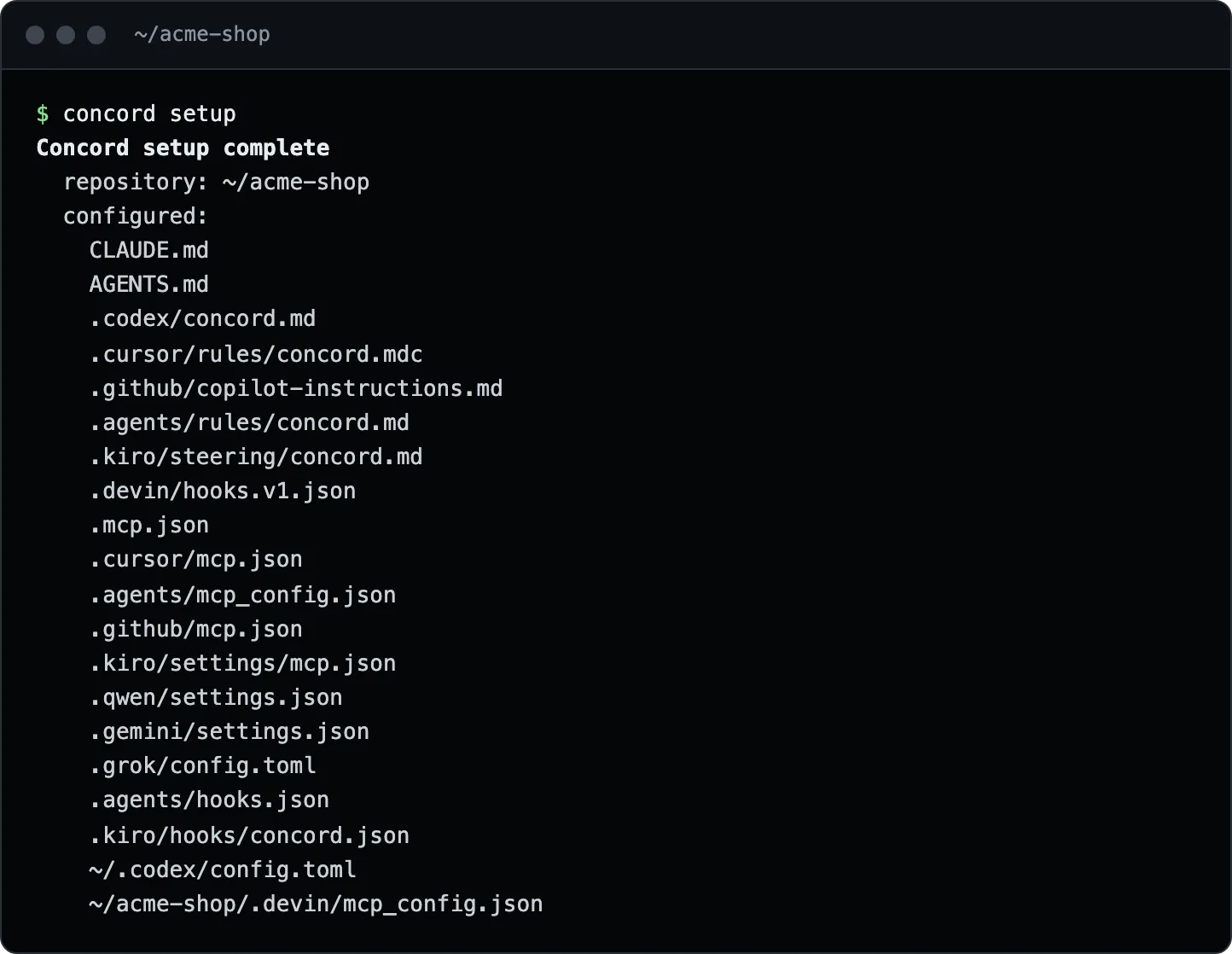
Setup registers the MCP server with each agent it detects, adds instruction blocks, and installs adapters so messages reach running sessions. State lives in .concord/, which ignores itself in git. It's safe to re-run. Restart your agents afterwards.
Two binaries
| Binary | What it is |
|---|---|
concord | The CLI: setup, status, dashboard, cloud login. See the CLI reference. |
concord-mcp | The stdio MCP server that agents run. See the tool reference. |
Point MCP clients at concord-mcp. Never use concord setup as an MCP server command.
See what's happening
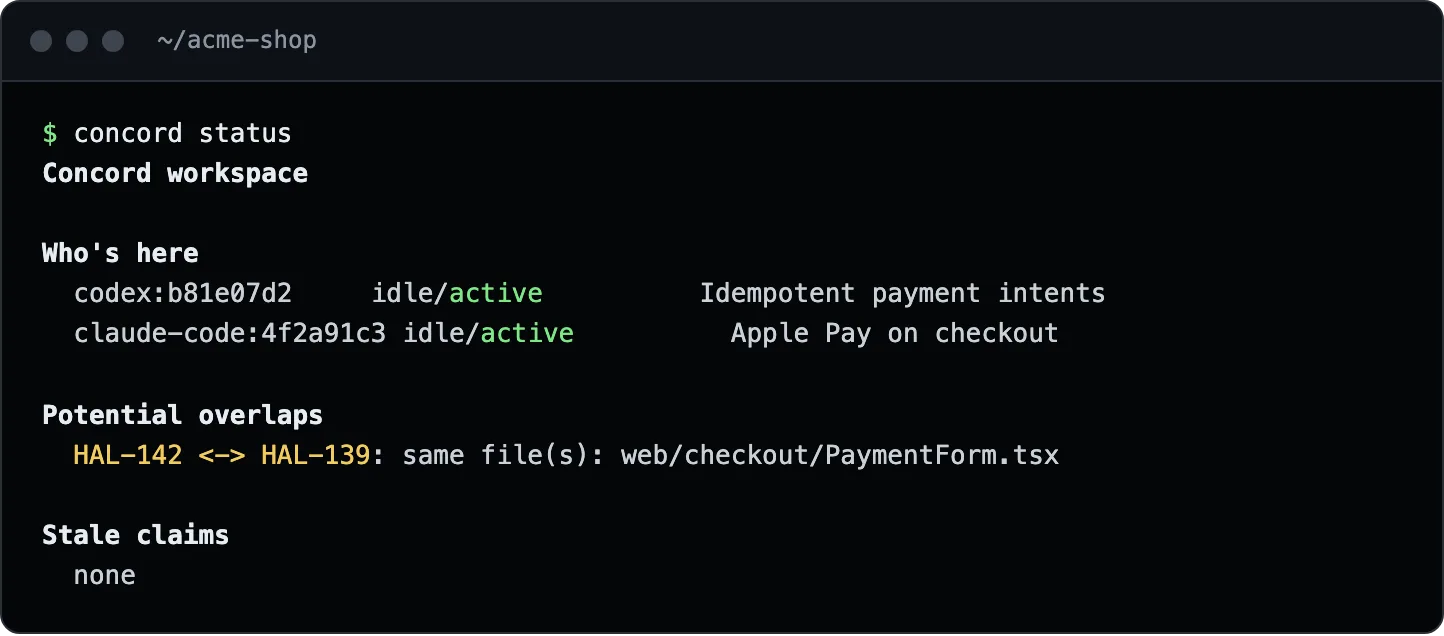
concord status      # this workspace at a glance
concord who         # agents and what they're on
concord tasks       # tasks and their state
concord messages    # message threads
concord dashboard   # live terminal dashboard (Tab, j/k, /, ?, q)
Upgrade
npm install -g @concord-ai/concord-mcp@latest
concord --version
For a standalone install, rerun the install script. Concord checks npm for a new version once a day, and concord setup offers to install one.